How to Set Up an IoT-Based Campus TV (Smart Notice Board) in Bangladesh
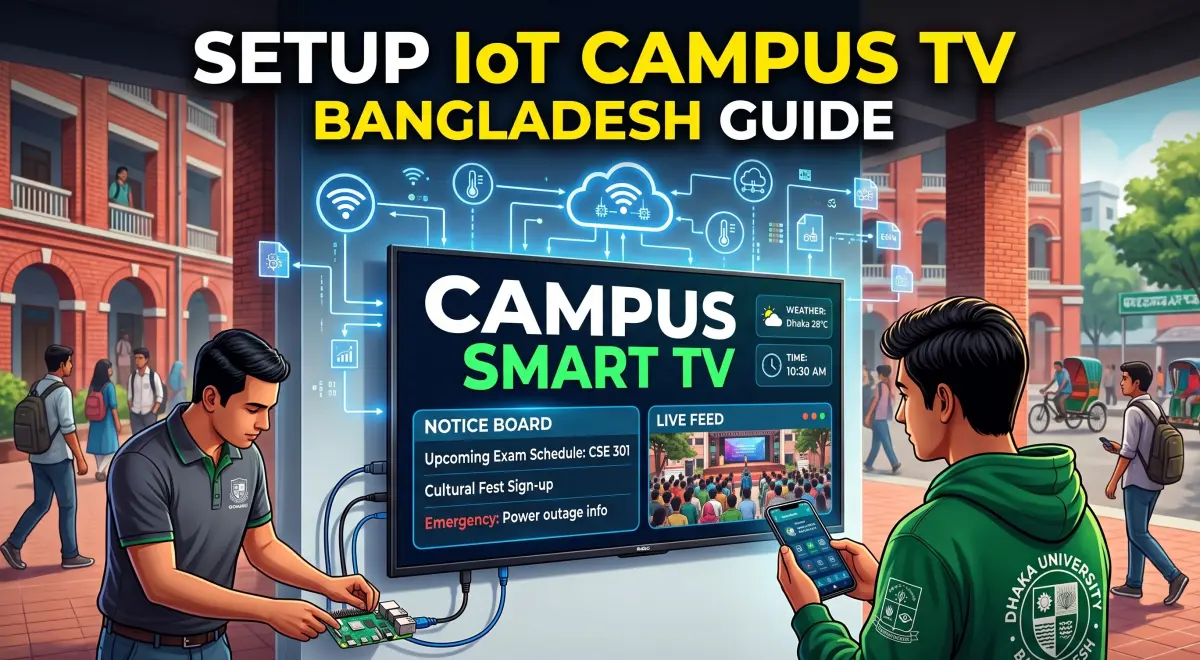
Educational institutions in Bangladesh are no longer confined to traditional classrooms. In line with the vision of a "Smart Bangladesh," schools, colleges, and universities are rapidly digitizing. One of the best examples of this transformation is the IoT-based Campus TV or smart digital signage.
Replacing outdated paper notice boards, these smart TVs spread across the campus can instantly broadcast notices, class routines, and emergency updates to all students from a single centralized dashboard.
Here is a step-by-step guide on how to set up a modern IoT-based Campus TV in your institution:
1. Choose the Right Hardware
The first requirement for a Campus TV setup is durable hardware. You will need:
- Display: A standard 32 to 55-inch LED TV or commercial display, depending on the campus size.
- IoT Controller (Media Player): To connect a standard TV to the internet, you need an IoT device. A Raspberry Pi 4, Android TV Box, or a Mini PC are the most popular and cost-effective choices.
2. Select Cloud-Based Signage Software
You need central management software to control what is displayed on the TVs. This allows you to update content from any laptop or mobile phone.
- Free/Open Source: Xibo or Screenly OSE (works great with Raspberry Pi).
- Paid/Cloud Solutions: Yodeck, OptiSigns, or ScreenCloud offer very user-friendly interfaces.
- Custom Solutions: Many local IT companies in Bangladesh now provide customized dashboards for educational institutions that sync directly with the university's official website.
3. Ensure Seamless Network Connectivity
Since the system is based on IoT (Internet of Things), internet connectivity is mandatory for every device attached to the TVs. You can bring the devices online via the campus Wi-Fi or Local Area Network (LAN). For the most stable performance, connecting an Ethernet cable directly from the router to the TV setup is recommended.
4. Content Design and Management
A Campus TV is not just for displaying notices; it is a great medium for engaging students. You can broadcast:
- Emergency notices and holiday announcements.
- Daily class and exam routines.
- Photos and videos of campus events, seminars, and workshops.
- Student achievements and results.
- Live news tickers, weather updates, and a digital clock.
5. Installation and Maintenance
The placement of the TVs is crucial. Mount the screens at eye level in high-traffic areas like the library, cafeteria, student lounges, and main gates. Additionally, to protect the devices from cyber attacks or pen-drive viruses, ensure the physical USB ports are secured and the software is updated regularly.
Conclusion
An IoT-based Campus TV system plays a significant role in modernizing an educational institution. Not only is it eco-friendly by reducing paper waste, but it also saves time for teachers and students by broadcasting accurate information in real-time.